Blog
In Part 6 (the finale) of our TypeGym series we add real CLI argument parsing with clap. Text sources become selectable at runtime, generators get configurable limits and we add optional text reflow (wrapping) to make terminal paragraphs look great.
In Part 5 of our TypeGym series we add Markov Chain based text generation. We build a simple word-level chain from a book, generate new practice text by walking transitions and wire it into TextSource, so every run can produce fresh natural-ish content.
In Part 4 of our TypeGym series we build a flexible text pipeline. We introduce
a TextSource enum, wire it into Config, add a few generators (plain + weighted
nonsense), and support grabbing a random slice of lines from a file, thus giving
the trainer real, varied practice content.
In Part 3 of our TypeGym series we make the trainer actually work: real input handling (typing, backspace, Ctrl+W), session timing, and the first real stats (WPM + accuracy), all shown directly in the Ratatui UI when you finish a run.
In Part 2 of our TypeGym series we build the real typing screen UI using Ratatui: character classification (hit/miss/empty), line/page building, styled rendering, centering, and correct cursor placement.
In Part 1 of our TypeGym series we set up the terminal app skeleton using Rust + Ratatui: a clean main loop, a UI event loop, and the first round of key handling. Nothing fancy yet. Just the foundation we will build the actual typing trainer on top of.
2025
In this episode we introduce a new game state that animates the tower collapse after game over. Instead of instantly resetting, blocks now shrink and rotate away with staggered timing, creating a smooth and satisfying transition before restarting the game. This adds polish, pacing and a more finished feel to the overall game loop.
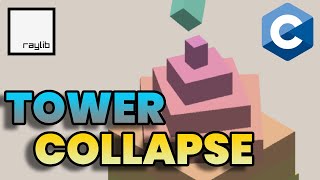
In this episode we upgrade the visuals of Tower Blocks by writing custom lighting shaders in GLSL. We move from flat colored cubes to fully lit 3D blocks using ambient, diffuse and specular lighting. This step brings real depth to the scene.
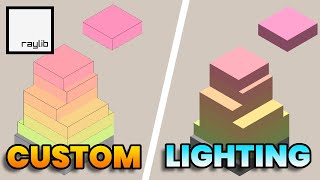
In this episode we add the missing piece that makes Tower Blocks feel alive: falling chopped blocks and a smooth-following camera. Imperfect placements now result in tumbling pieces that fall and spin, while the camera glides upward as the tower grows. The game is no longer just functional. It reacts.
In previous episode we built the core gameplay: blocks move, players place them and the tower grows. Now in this episode we focus on polishing the experience by adding smooth text effects: animated score scaling, overlay fade-ins and sliding titles. It’s all about giving the UI some life and making the game feel responsive and dynamic.
In this episode we bring the Tower Blocks game to life by adding core game mechanics: block movement, stacking logic, placement handling and the essential game loop with win/loss conditions.
In this episode we set up the foundation for our Tower Blocks game in C using Raylib. We establish a 3D scene with an orthographic camera, render stackable blocks, implement user input and make the camera follow the growing tower. Laying the groundwork for future gameplay mechanics.
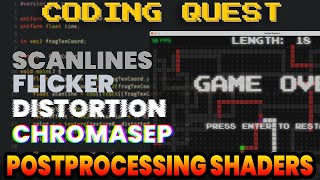
In this episode we dive into retro inspired shader effects: scanlines, flicker, distortion and chromatic aberration. This gives our Snake Rewind the look and feel of a glitched out arcade display.
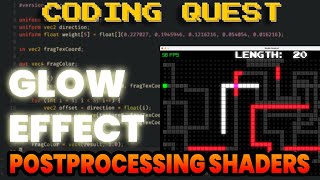
In this episode we give Snake Rewind its first post processing effect: a glowing bloom shader that adds depth, atmosphere and a retro arcade vibe to the entire game.
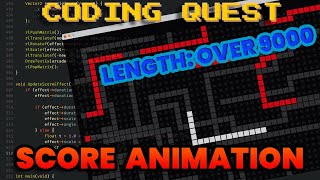
In this episode we bring the score display to life with animated scaling and rotation. We add a satisfying visual feedback every time the player eats food and grows the snake.
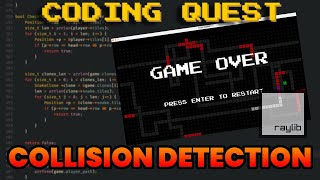
In this episode we complete the core gameplay loop by adding collision detection, game over logic and a restart system. Thus giving the player something to fear and the game real stakes.
In this episode we introduce the clone mechanic: snakes that replay your past moves with deadly precision. It is a strategic twist that transforms Snake Rewind from a simple remake into a tactical survival challenge.
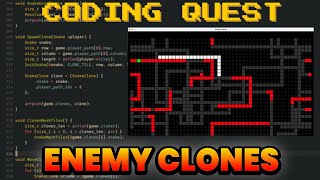
In this episode we introduce food to the game allowing the snake to grow and bringing the core gameplay loop to life. It’s a small change that makes a big difference and sets the stage for the clone mechanic coming next.
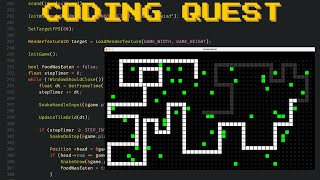
In this episode we breathe life into the grid by implementing smooth step based snake movement and clean keyboard input handling - laying the groundwork for gameplay mechanics to come.
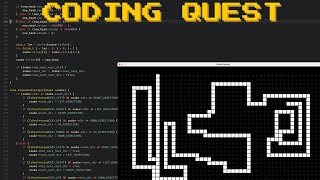
In the first episode of Snake Rewind we lay the groundwork for a retro inspired Snake game by building a crisp pixel perfect tile grid using Raylib. This foundational system sets the stage for everything to come: from clone mechanics to shader powered visuals.
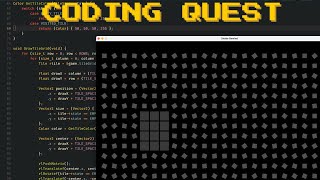
In this final part we introduce a priority queue to guide image subdivision based on color error and area. The result is a smarter and faster rendering process that focuses effort where it visually matters most.
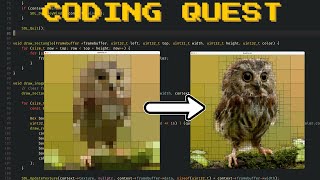
We implement basic image subdivision using a dynamic array to manage quads. The result looks interesting but without prioritization we end up spending time on regions that barely matter. This part sets the stage for a smarter approach in Part 3.
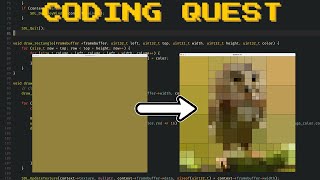
Setting up rendering pipeline using SDL3 and stb_image. We load an image, create a framebuffer and display the result using a texture. This part lays the groundwork for interactive image subdivision in future parts.
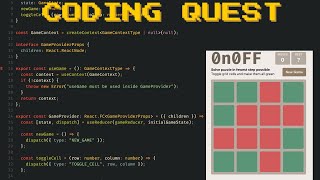
We extend 0n0FF with a real time solver powered by Breadth First Search (BFS) and
bit manipulation. Learn how to compute perfect puzzle solutions and guide players
with subtle visual hints - all in React and TypeScript.
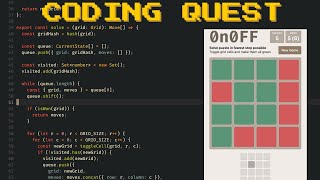
A compact logic puzzle where every click flips an entire row and column.
Using TypeScript, React, Context, and Reducers, we implement the game
from scratch with a clean, minimal UI and satisfying interactions
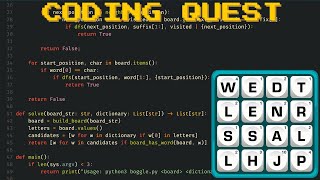
A simple Boggle solver that flips the problem on its head: instead of finding words on the board, we check if dictionary words can be formed from the board. Surprisingly simple, surprisingly effective.
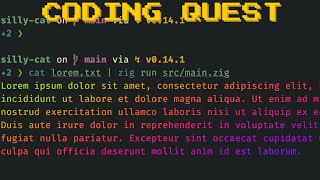
A small learning project that explores how tools like lolcat create colorful
and animated terminal output. This time we use Zig for the first time to add some
color to our terminal and learn how ANSI escape codes make it all work.
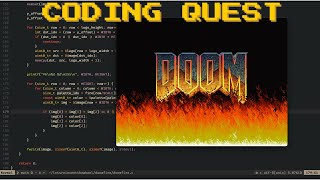
Learn how to create a mesmerizing Doom Fire animation from scratch in C11, using only the PPM image format and mpv for display. This hands-on tutorial walks you through simulating classic pixel fire in a modern C environment, without any graphics libraries - just raw image output and a powerful video player.
Learn how to build a simple Python script that scrapes stories from RoyalRoad
and converts them into EPUB files for offline reading. This beginner friendly
project uses BeautifulSoup, requests, and EbookLib to walk you through a
full pipeline from HTML scraping to ebook generation. A perfect start for anyone
looking to automate something useful.
Let’s Reinvent the Wheel is all about learning by building from scratch. We’re starting with an empty GitHub and LeetCode profile, exploring backend, frontend, and interview prep. The goal is to recreate existing tools and ideas to truly understand how they work. No fixed roadmap — just hands-on projects that challenge and teach